How to cut the ums and pauses out of a recording without cutting the person
A recording with every pause and every um removed does not sound professional. It sounds like a hostage tape. The skill is in knowing which silences are dead and which ones are the person thinking.
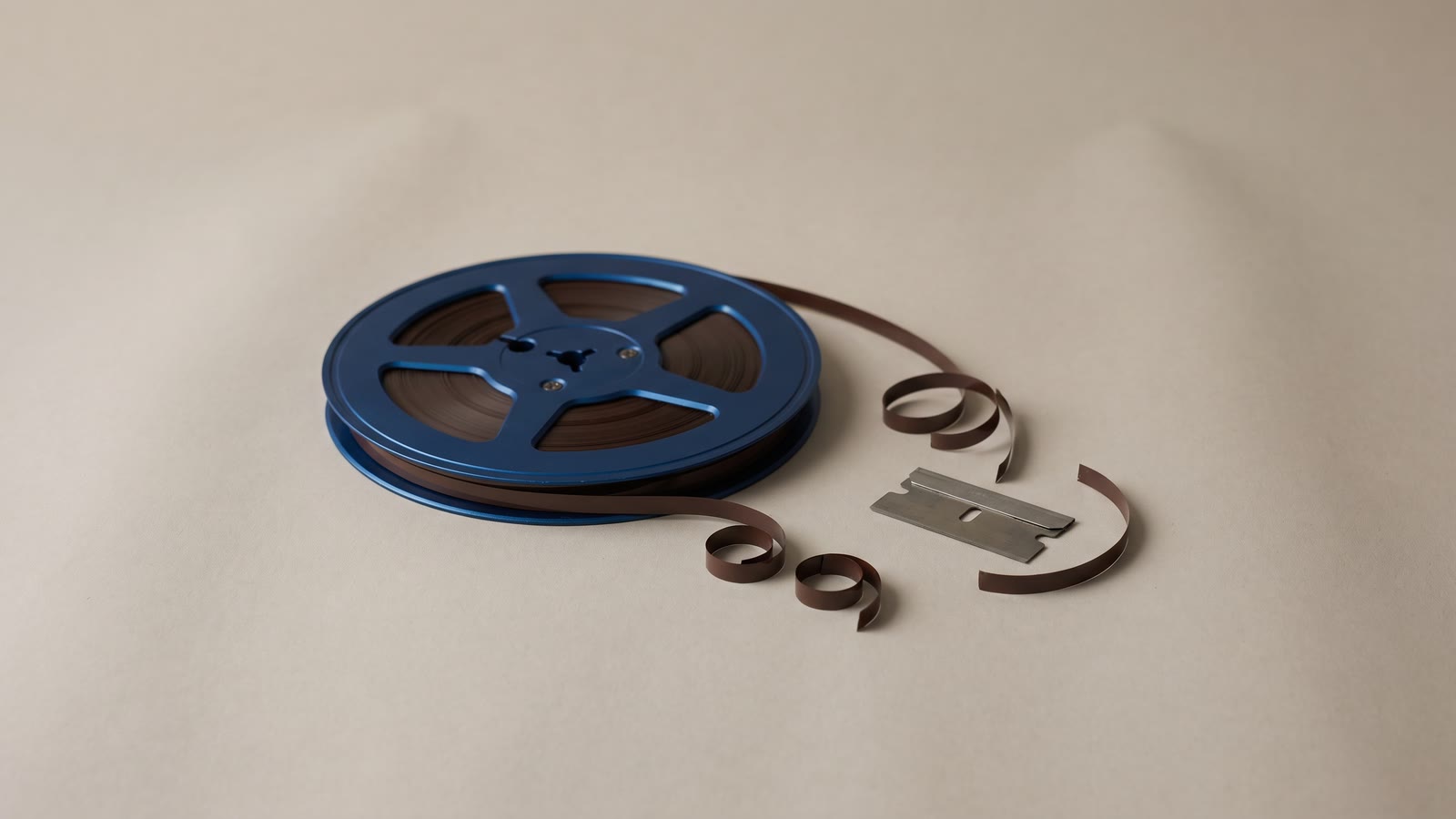
Everybody who has edited a talking-head recording has had the same afternoon. Listen, find the pause, cut, listen, find the um, cut. Two hours later the video is four minutes shorter and something is wrong with it, and it takes another hour to work out that the thing that is wrong is you.
The instinct that gets you there is sound: unedited speech is slow, and audiences online will not wait. The mistake is treating every silence and every filler as waste. Some of them are the person. Cut those too and what is left talks like a machine reading a list.
Two kinds of silence
Put a recording on the timeline and look at the waveform rather than listening. The gaps sort into two populations almost immediately.
Gaps between thoughts are the long ones. A second, two seconds, sometimes five while someone checks their notes or decides how to phrase the next bit. Nothing happens in them, the picture is a person staring, and the audience learns nothing. These are dead. Cut every one.
Gaps inside a thought are short: a quarter of a second to half a second, usually at a comma or before a word the speaker is stressing. These are rhythm. They are how the sentence gets its shape, and a listener uses them to parse what is being said. Remove them and the words are all still there, but the sentence has no punctuation and the listener has to work harder to follow it. That extra work is what "sounds rushed" actually means.
The threshold between the two is not fixed, but it is closer to a full second than most people expect. A pause under half a second is almost always structure. A pause over a second and a half is almost always dead. The middle band needs a listen.
The breath is not a silence
The single most common over-editing mistake is cutting the breath before a sentence. It reads on the waveform as a small bump in the gap, and it is easy to include it in the cut. Do not.
Listeners hear a breath as "someone is about to speak". Take it away and each sentence arrives with no warning, one after another, which is the hostage-tape effect. It is also physically odd: nobody can say four sentences without breathing, and a brain that hears it happen registers that something is off without being able to say what.
The rule is to cut the gap and leave the breath. In practice that means every cut ends a little before the next word rather than exactly at it. The silence scan does this on its own, leaving breathing room at each edge so a word is never clipped, but if you are trimming by hand it is the thing to check first when a cut feels harsh.
Which ums to keep
Filler words are the same story with a smaller population. Most ums are noise: the mouth making sound while the brain catches up. But a few are doing work.
An "um" right before a number the speaker is being careful about tells the audience the number matters. A "well, uh" at the top of an answer signals honesty: the person is actually thinking rather than reciting. And in an interview, a filler that a subject uses constantly is part of their voice, and removing all of it changes who is on screen.
The practical approach is a checklist rather than a rule. The filler scan transcribes the speech at word level and lists every um and uh with its timestamp; you go down the list and untick the ones that earn their place. That is usually one in ten, sometimes none. But it is a decision made per instance rather than a switch, and the difference shows.
Run the silences first, then the fillers: the silence scan is free, the filler scan is priced on the length of the clip, and a clip with the dead pauses already gone is shorter.
What happens to the picture
Cutting audio also cuts picture, and here the recording fights back. Remove a two-second pause and the person's head is in one place before the cut and a slightly different place after it: a jump cut. One is invisible, thirty are a flipbook.
There are three honest ways to handle it, and a good edit uses all of them.
Accept the small ones. A jump of a few pixels reads as a blink, and audiences on YouTube have been trained by a decade of vlogs to not see them. If the person barely moved, leave it.
Alternate the framing. Every second or third cut, punch in a little: a crop that scales the shot up ten to fifteen percent. Now the cut reads as a change of shot, the way a two-camera interview cuts between wide and close, rather than as the same shot with a piece missing. Punch back out on a later cut. Keep the crop to a step that stays sharp at your export resolution, which is easy from a 4K source and tight from 1080p.
Cover it. Put something over the join: a screenshot, a b-roll shot, a title, the slide the person is talking about. The audio cut is still there but the picture never jumps, because the picture is something else for a moment. This is what the cutaway was invented for.
What does not work is a dissolve. A crossfade over a jump cut is a jump cut with a smear, and it makes the edit more visible rather than less.
The pass that matters is the listen
After the scans have done the tedious part, play the whole thing at normal speed without looking at the timeline and without your hand on the mouse. Anywhere your attention snags, note the time and keep going; do not stop to fix it, because stopping resets your ear and you will miss the next one.
Then go back to the notes. Nearly every snag will be one of four things: a breath that got cut, a rhythm pause that got cut, two sentences that now run together because a full stop was in the gap, or a cut that landed mid-word. All four have the same fix: give the cut a little room, a few frames on one side or the other.
If the recording is noisy, fix that before the listen rather than after. The export-time cleanup handles loudness and mild noise for nothing, and a rougher recording can be denoised or have the voice isolated as a separate pass. Cutting decisions made on a hissy track are worse than decisions made on a clean one, because hiss makes every gap sound like something is missing.
How much shorter should it be?
A loose talking-head recording tightens by twenty to thirty percent through silences alone, and another few percent from fillers. If you are seeing fifty percent, either the speaker paused an unusual amount or the scan's threshold is set low enough to be eating rhythm, and it is worth listening to a minute of the result before applying the rest.
The target is not a number anyway. It is a recording where the person still sounds like themselves, just on a good day.
Captions come last
Anything that reads the speech, captions included, should run after the cuts rather than before. Captions transcribed from the loose recording will be timed to words that no longer exist, and a transcription is priced on the audio it has to listen to, so the shorter cut is the cheaper one as well as the correct one.
The order that works
- Clean the audio first if the recording is rough, so cutting decisions are made on a track you can hear properly.
- Scan for silences and untick the ones that are rhythm: anything under about half a second is usually structure.
- Scan for fillers on the tightened clip and untick the handful that are doing work.
- Handle the jump cuts by accepting the small ones, alternating a punch-in, and covering the rest with a cutaway. Never a dissolve.
- Listen through once without touching anything, note the snags, then give each one a few frames of room.
- Caption the finished cut, not the raw one.