How to make slow motion that does not stutter
Slow motion is not a speed setting, it is a frame-supply problem: a 24 fps clip at quarter speed has six real frames a second to show you. Interpolate first, slow down second — the other order gives you a smooth slideshow.
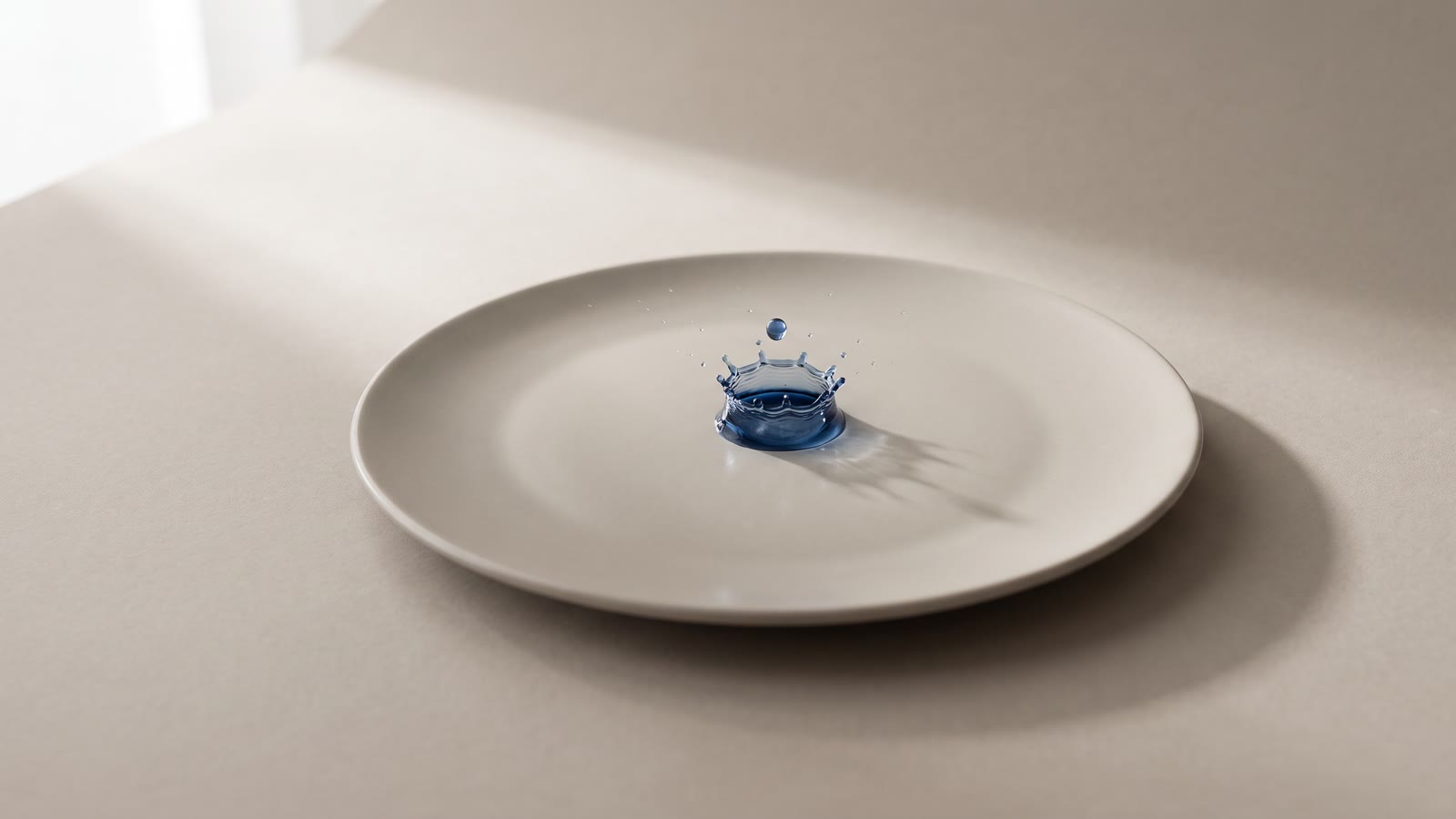
You dropped the speed of a clip to 25% for a dramatic moment and it came out juddering. Nothing is wrong with the footage, the export or the editor. You asked for four times as many frames as the camera recorded.
Slow motion is a supply problem, not a speed setting
A normal clip is 24, 25 or 30 frames per second. Slowing it to quarter speed does not create new frames — it spreads the ones you have over four times the duration. A 24 fps clip at 25% speed is showing you six distinct images per second, each held for four frames. Six images a second is a flipbook, and your eye reads it as stutter.
This is why phone slow-motion looks good: the phone shot it at 120 or 240 fps in the first place, so quarter speed still has 30 or 60 real frames per second to spend. Slow motion is decided at capture, unless you can manufacture the missing frames afterwards.
Manufacturing the missing frames
Naively, you could cross-fade between neighbouring frames to fill the gaps. That is what produces ghosting: two overlaid images of a hand in different places, semi-transparent, sliding through each other.
Frame interpolation does something else. It tracks how pixels move between two neighbouring frames and renders new frames along that motion — the hand is drawn where it would have been, once, opaque. You choose how many to synthesize per gap: one, two or four.
The arithmetic is worth internalising because it decides your settings:
- One extra frame per gap doubles your frame supply — enough to hold up a 2× slow-down, or to smooth 24 fps footage into something that plays like 48.
- Two per gap triples it. That is your 3× stretch, or a rescue for choppy 16 fps material.
- Four per gap gives you five times the frames. This is the setting for a 4× slow-motion hero moment, and it is the one most likely to show artefacts, because four out of every five frames on screen were invented.
Match the factor to the stretch. Interpolating 4× and then slowing to half speed spends money on frames nobody will see.
The order that matters
Interpolate first, slow down second. Always in that order.
Interpolation reads the source clip and produces a denser clip. Slowing down is a timeline operation on whatever clip is there. Do it the other way — slow the clip and then interpolate — and the interpolator is working on frames that are already being held for four frames each, trying to invent motion between two identical images. It has nothing to track.
The full sequence, and every step of it exists for a reason:
- Trim to the moment. Interpolation is billed on the length you send. Slow motion is used on a second and a half of action, not on the twelve seconds of run-up. Split the clip, send the second and a half.
- Split at every cut. Never interpolate across a cut inside a clip. The interpolator will try to find motion between the last frame of one shot and the first frame of the next, and what it renders is a smear.
- Interpolate at the factor your stretch needs.
- Slow the result in the Timing tab. The clip's footprint on the timeline stretches to match, and everything downstream stays in sync.
- Grade and cut as normal — the output is an ordinary clip.
- Upscale last, on the take you are actually keeping, if you need it.
Where synthesized frames fall apart
Interpolation is remarkably good and it is not magic. It fails in specific, predictable places:
Very fast or erratic motion. If a limb moves halfway across the frame between two frames, there is no continuous path to interpolate along, and the model guesses. Fast hands, a swung bat, a dog shaking itself.
Occlusion boundaries. Something passing in front of something else — a hand crossing a face, a person walking behind a pillar. Pixels that are hidden in one frame and visible in the next were never recorded, so they are invented, and the invention wobbles.
Baked-in motion blur. Footage shot with a slow shutter has smeared subjects. Interpolating smear gives you more smear, evenly spaced. The result is smooth and still looks wrong, and no setting fixes it — that one is decided at capture too.
Heavy grain or compression noise. The tracker reads noise as motion. Clean the clip up before you interpolate, not after.
Preview the result at full size before you build a sequence around it. Interpolation artefacts are the kind that hide at thumbnail size and are obvious on a television.
The other use, which is more common than slow motion
Many AI video models render at 16 to 24 frames per second to keep generation fast, and it shows: generated clips often have a subtle strobe that reads as "AI" before anything else in the shot does.
One interpolation pass at normal speed — no slow-down at all — makes those clips play like native footage. If you cut generated shots against filmed ones, this single step does more for how the sequence reads than any grading pass will.
When not to reach for it
Sometimes the answer is not slow motion.
A freeze frame holds a single moment while the story continues — park the playhead, hit Freeze, and the clip splits with a still of that exact frame inserted, ready to stretch to any length. For a "look at this" beat, a freeze plus a title is stronger than a stretch, and it costs nothing.
A mild slow-down, 80% or 90%, needs no interpolation at all. The eye reads it as weight rather than as slow motion, and there are enough real frames to carry it.
And reverse is a timeline toggle, not a generation — a clip plays backwards in preview and export for free.
The order that works
- Trim to the moment you are actually slowing.
- Split so no cut sits inside the clip you send.
- Interpolate at the factor your stretch needs — 1, 2 or 4 frames per gap.
- Slow down on the timeline afterwards, never before.
- Check it full size for smears at occlusion edges.
- Grade, then upscale only the take you keep.