How to make a before-and-after video that is actually convincing
Renovations, fitness, skincare, software, a colour grade: the before-and-after is the most persuasive shape a video can take, and the easiest to make look faked. The effect is twenty minutes. Whether it convinces is decided when the two halves are shot.
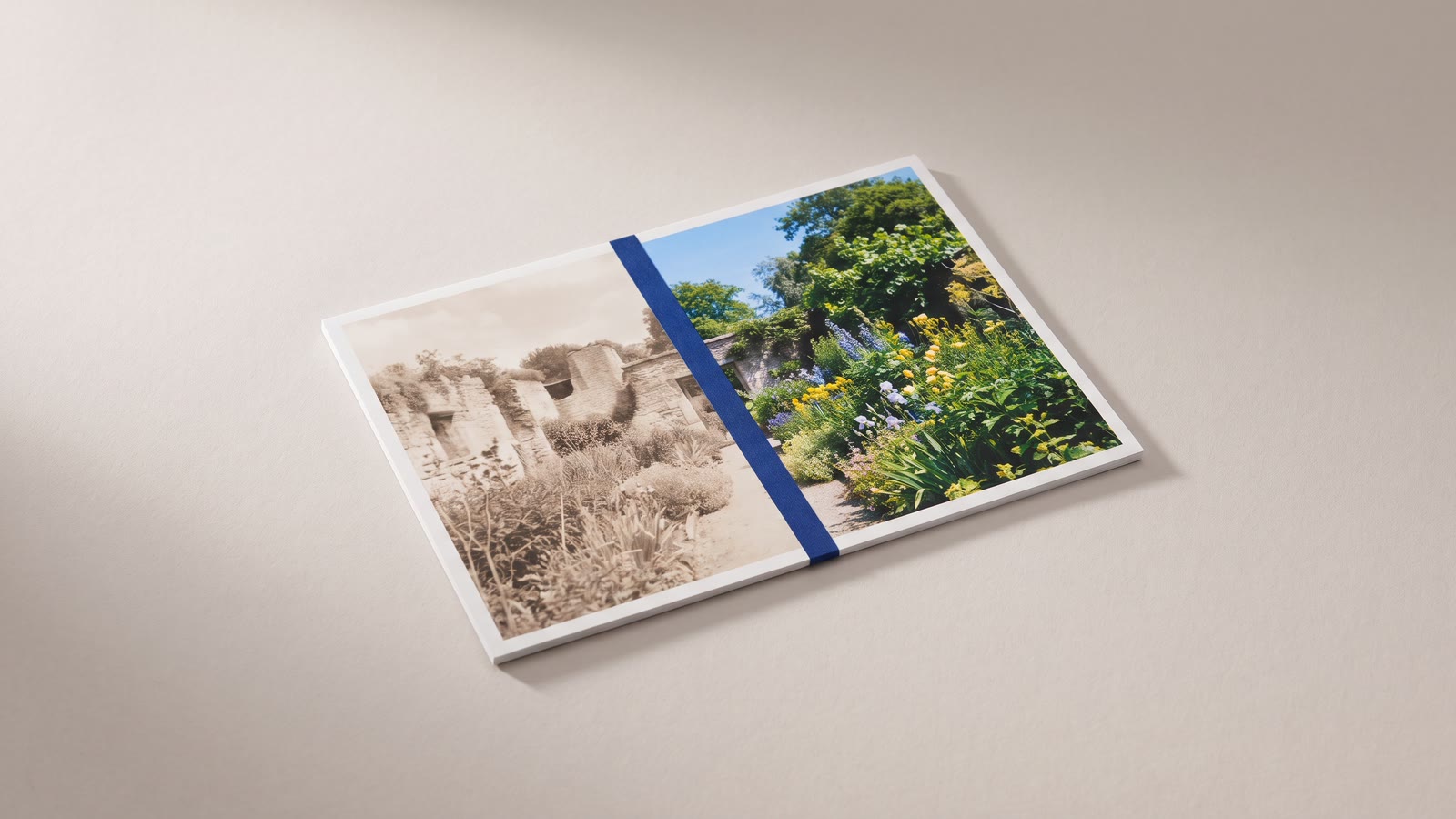
The before-and-after is the most persuasive shape a video can take. A renovation, a haircut, a colour grade, a cleaned-up recording, a product that removes something: show the two states and the argument makes itself. It is also the shape most often faked, and the audience knows it, so a before-and-after that is even slightly mismatched is read as a lie whether or not it is one.
The effect itself takes twenty minutes. Whether it convinces was decided earlier, when the two halves were made.
Match the halves first
The viewer's eye is comparing two images, and anything that differs between them other than the change itself is noise that the eye counts against you. Same camera position, to the centimetre if possible. Same lens or zoom. Same light, which usually means the same time of day and the same lamps on. Same framing of the subject in the frame.
For anything you shoot, that means setting up the before shot with the after shot in mind: mark the tripod's feet, note the focal length, photograph the lighting. For anything made in software, a grade or a cleanup or an upscale, the match is automatic, since the after is the before with something done to it, and this is why software comparisons are so easy to make believable.
If the halves do not match, fix what can be fixed before building anything. Crop and frame the two so the subject sits in the same place at the same size. Grade the before toward the after in colour temperature and exposure, so the only visible difference is the one you are claiming. An after shot that is also brighter and warmer than the before is an after shot the viewer discounts.
Then match the timing. If the halves move, they should move together: the same action, started at the same frame. A person turning their head in both halves at the same moment is what sells a side-by-side; the same person turning at different moments is what sinks it.
The three shapes
Side by side shows both states at once and is right when the change is spatial and holds still: a room, a face, a product, a frame of footage. Two overlays on two lanes above an empty base, each cropped to half the canvas, each positioned on its side. Make each clip an overlay, open its layout editor, crop it so the subject is centred in its half, and size it to fill that half exactly. A thin gap or a line between them reads better than a hard join, and a "Before" and "After" label on each half is not optional, because without them the viewer has to guess which is which and will sometimes guess wrong.
For a vertical video, the halves stack top and bottom rather than left and right, and the subject is cropped tighter to fit.
The wipe reveals the after across the before and is right when the change is everywhere in the frame and the frames are identical: a grade, a cleanup, a restoration, an upscale. It is one clip on top of another, with the top clip's crop animated. Put the after on the upper lane, crop it to a sliver at the left edge, then keyframe the crop so it widens across the frame over two or three seconds. The wipe line itself can be a thin title bar keyframed to move with it. A wipe that pauses in the middle, holds, and then completes gives the viewer the moment to compare both halves of the same frame, which is the strongest version of the effect there is.
The cut is the one people underrate: before, then after, in the same framing, with nothing between them. It is right when the change is in time, a renovation over weeks, a body over months, a plant, a build. The before holds for two or three seconds, cuts, and the after holds for the same. No dissolve; a dissolve blends the two states into a third one that never existed, and the viewer loses the comparison. If the halves are matched, the cut is startling in a way that neither of the other shapes can be, because the viewer's eye is still on the same spot in the frame when everything around it changes.
The sequence that sells it
A single comparison is a claim. A sequence is an argument.
Open on the after, briefly. It is the reason to keep watching, and showing it first is what makes the before worth sitting through. Then the before, held long enough to register what is wrong with it. Then the change: the wipe, the split, the cut. Then the after again, held longest, because that is what you want them to remember.
Where the change is one of several, a product with four effects, a renovation with four rooms, keep every comparison in the same shape. Four wipes in a row read as a system; a wipe, a split, a cut and a dissolve read as a demo reel for the editor. Repetition is the point. The viewer learns the shape on the first comparison and spends the others looking at the change.
Details that decide it
Labels on everything, large, on a plate, in the same corner every time. The viewer should never have to work out which half is which.
Both halves at the same resolution. An after that is sharper because it was exported differently is an after the viewer suspects, even when the sharpness is the claim; in that case say so in the label.
Hold longer than feels necessary. The viewer has two images to read, and a comparison that cuts away in a second has shown them nothing. Three seconds is the floor; five is better for anything with detail in it.
No music swell on the reveal. It is the oldest tell there is, and the audience has heard it on every infomercial since the format existed. Let the picture do it.
The order that works
- Shoot or make the halves to match: position, lens, light, framing, timing.
- Fix the mismatch first, with crop and grade on the before, before touching the effect.
- Pick the shape by the change: side by side for spatial, wipe for everywhere-in-frame, cut for over-time.
- Build it on lanes: overlays for the split, a keyframed crop for the wipe, nothing at all for the cut.
- Sequence it: after, before, the change, after again and longest.
- Label it, hold it, and let the picture make the case.