Camera moves for AI video: what to ask for, and what each one says
Every camera move says something: a push in says this matters, a pull out says look where we are, and an aimless drift says a model made this. What each move means, how to ask for it, which ones models get right, and how to get an exact move when a prompt will not.
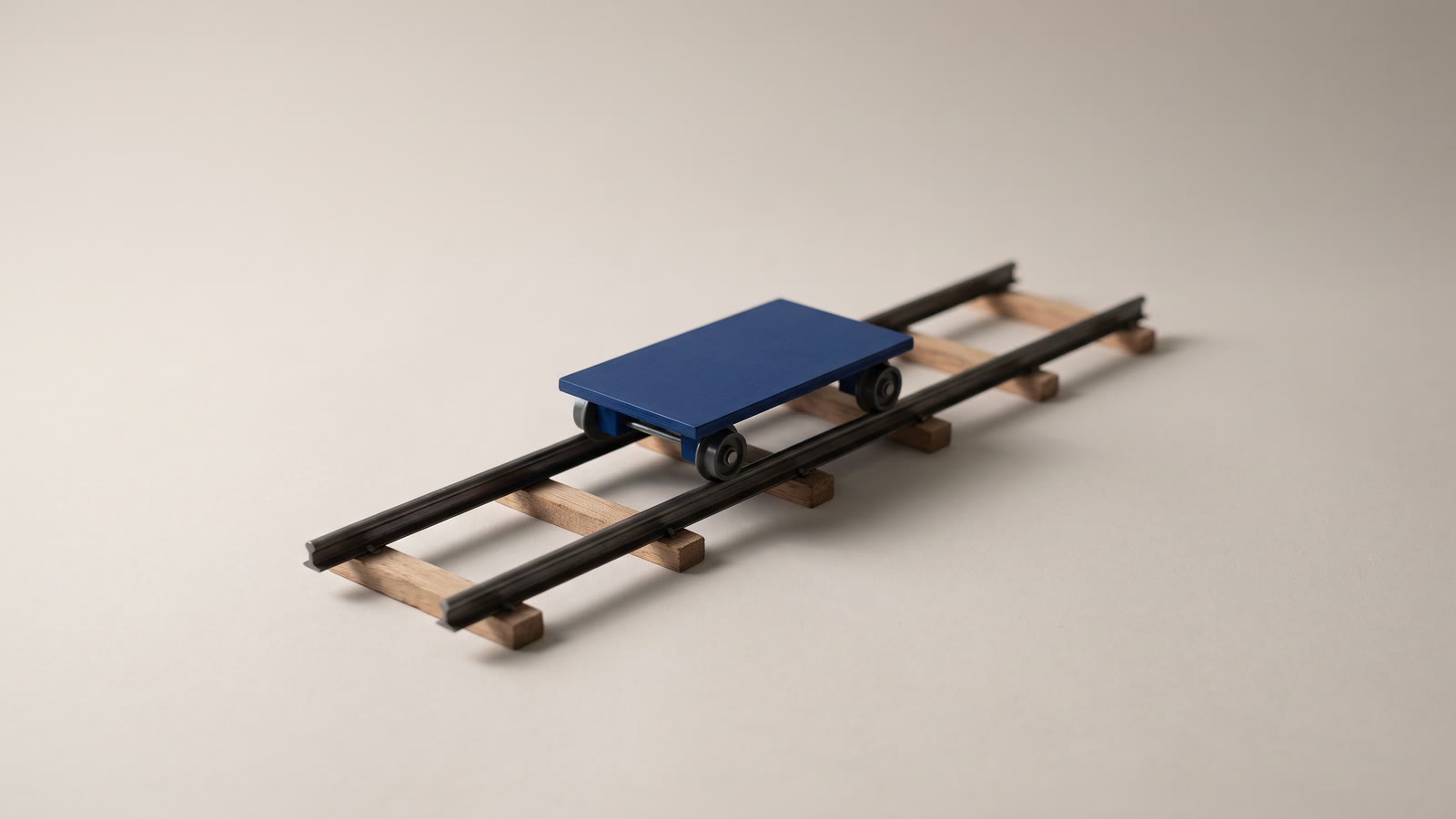
Every camera move is a sentence the viewer hears without noticing. A slow push toward a face, a camera that pulls back until someone is small in the frame, a frame that does not move at all: each one tells the audience how to feel about what they are looking at, the way a tone of voice does.
Generated video has a move of its own: a slow, weightless drift toward nothing in particular. Nobody chose it. The model filled an empty slot in the prompt, and that drift is now one of the quickest ways to spot AI footage. The camera is one of five things a video prompt has to say, and the one that changes the meaning of a shot most.
What each move says, and how to ask for it
Locked off: watch this. The camera does not move, so the shot belongs to whatever moves inside the frame. It suits performances, products and anything with action of its own. Ask for "static camera, locked off". It is also the move models carry out most reliably, which matters later.
Push in: this matters. The camera travels toward the subject, and something is about to land. Slow pushes build intimacy or tension; a fast one is a jolt. Ask for "slow push in toward her face", and give it a destination, because a push into nothing in particular reads as an accident.
Pull out: here is the context. The camera travels away, revealing where we are, or how small someone is. It is the classic reveal and the classic ending. Ask for "slow pull back to reveal the empty platform".
Pan: these belong together. The camera stays where it is and turns sideways, connecting two things in one space or following a look from one to the other. Ask for "slow pan left from the window to the door".
Tilt: look how big, or look down at this. The same turn, vertically. Up a tower for awe; down from a face to the letter in her hand. Ask for "slow tilt up the tower".
Tracking: we are going somewhere. The camera travels alongside or behind a moving subject. The parallax, near things sliding past faster than far ones, is what gives the shot its depth. Ask for "the camera tracks alongside him at walking pace". Models handle a walking subject well, because the motion has an obvious logic.
Orbit: this is the hero. The camera circles the subject. It is the product-turntable move and the trailer move. Ask for "a slow quarter orbit around the bottle", and keep it short and on objects: a face seen from a new angle is exactly where a person stops looking like themselves.
Rise and descend: the story opens, or closes in. The camera travels up or down, as on a crane or a drone. Rising over the rooftops opens a story; descending into the street brings us into it. Ask for "the camera rises slowly above the rooftops at dawn".
Handheld: someone was really there. Small, irregular movement, the way a person holds a camera. It is the register of documentaries, vlogs and phone video, and the opposite of the AI glide. Ask for "handheld, slight natural shake". In a feed, a little shake often reads as more believable than anything cinematic.
Zoom: the lens, not the camera. A zoom magnifies without parallax, which flattens the picture; a push travels through space, which deepens it. Models blur the two, so say "push in" when you want the camera to travel and "slow zoom in" when you want the lens.
Five habits that make the move happen
- One move per shot. "Push in, then pan to the window" is two shots wearing one prompt, and you will get a confused half of each. Generate two clips and cut between them.
- Say it early and plainly. A short camera clause near the start ("Slow push in. A woman at a kitchen table reads a letter, morning light from the window.") does more than a camera instruction buried after a paragraph of atmosphere.
- Ask for less than you want. Models over-deliver motion. "Slow" tends to arrive as medium, and "very slow" as slow.
- Name the stillness too. If the camera should not move, say so. An empty camera slot is how the drift gets in.
- In image-to-video, describe only the move. The model can already see the picture, so "slow push in toward the lamp" is the whole prompt. Describing the picture again invites the model to redraw it, which is one of the commonest image-to-video failures.
Which moves models get right
The difference between a safe move and a gamble is predictable. A move is safe when the model can see everything the shot will show: a locked-off frame, a slow push into what is already there, a track alongside someone walking, a little handheld shake. It is a gamble when the move reveals what the model has never seen: the far end of a pan, the edges of a pull back, the back of a head in an orbit. Whatever enters the frame is invented in the moment, and invention is where rooms change shape and people change faces.
Speed is the other lever. Fast moves smear and morph; slow ones hold together. And a generated move is most faithful at its start. A clip that begins exactly as asked tends to wander by the end, so plan to keep the first two or three seconds and trim the rest.
When the prompt will not do it
Sometimes the move has to be exact: a push that ends on the ring on her finger, a pan that lands on the door just as it opens. There are two ways to get one without hoping a model reads an adjective the way you meant it.
Make the move in the edit
Generate the shot locked off, which is the thing models do best, and add the move yourself. In Hiroska, select the clip and open Animation → Motion: put the Start window on the full frame and the End window where the camera should arrive, and the editor glides between them, the same way every time. It works on video clips as well as stills, it costs nothing, and you can change the move next week without generating anything. Animation → Keyframes does the same with easing, if the push should arrive and then settle. The Ken Burns effect, done properly has the framing rules, and the keyframes guide has the curves.
Two limits. An edit move is a zoom, so there is no parallax. And a push magnifies pixels: on 1080p footage, keep the End window to about three quarters of the frame, roughly 1.3×, beyond which the picture visibly softens. Generated clips are often 720p, which is already soft in a 1080p project before any push, so upscale them 2× first.
Pin both ends
The Morph task takes a start frame and an end frame and generates the travel between them. Make the end frame from the start frame and the model has to land where you said. For a push in, crop the same still tighter (any photo app will do) and use the crop as the end frame. For a pan, generate one extra-wide still and cut two 16:9 frames from its left and right edges, one for the start and one for the end. Unlike an edit move, the scene can keep moving on the way, so a curtain still stirs while the camera arrives. The ends are exact; the middle is the model's, so step through it before you use the shot.
Moves in a sequence
A move is judged against its neighbours. Three things to watch when you cut shots together:
- Do not repeat a move shot after shot. Six pushes in a row stop reading as emphasis and start reading as a tic. When we cut a reel of our own from a run of punch-ins that each started wide, the note that came back was "we cut back out and then zoom back in". Alternate: push, hold, track, pull.
- Carry the direction across a cut. A pan left cut straight into a pan right jolts. Keep the direction going, or cut from movement into stillness.
- Use stillness as punctuation. A locked-off shot after several moving ones lands like a full stop, as long as something in it is still alive: steam, a curtain, a blink.
In one line
Pick the move for what it should say, ask for one, ask for it slower than you want it, and when it has to be exact, generate the shot locked off and make the move in the edit.