The Ken Burns effect, done properly: moving on a still without the slideshow look
The slow push into a photograph has carried documentaries for forty years and wedding slideshows for twenty. The move is the same. What differs is the size of it, where it goes and how long it takes, and those three decisions are learnable in an afternoon.
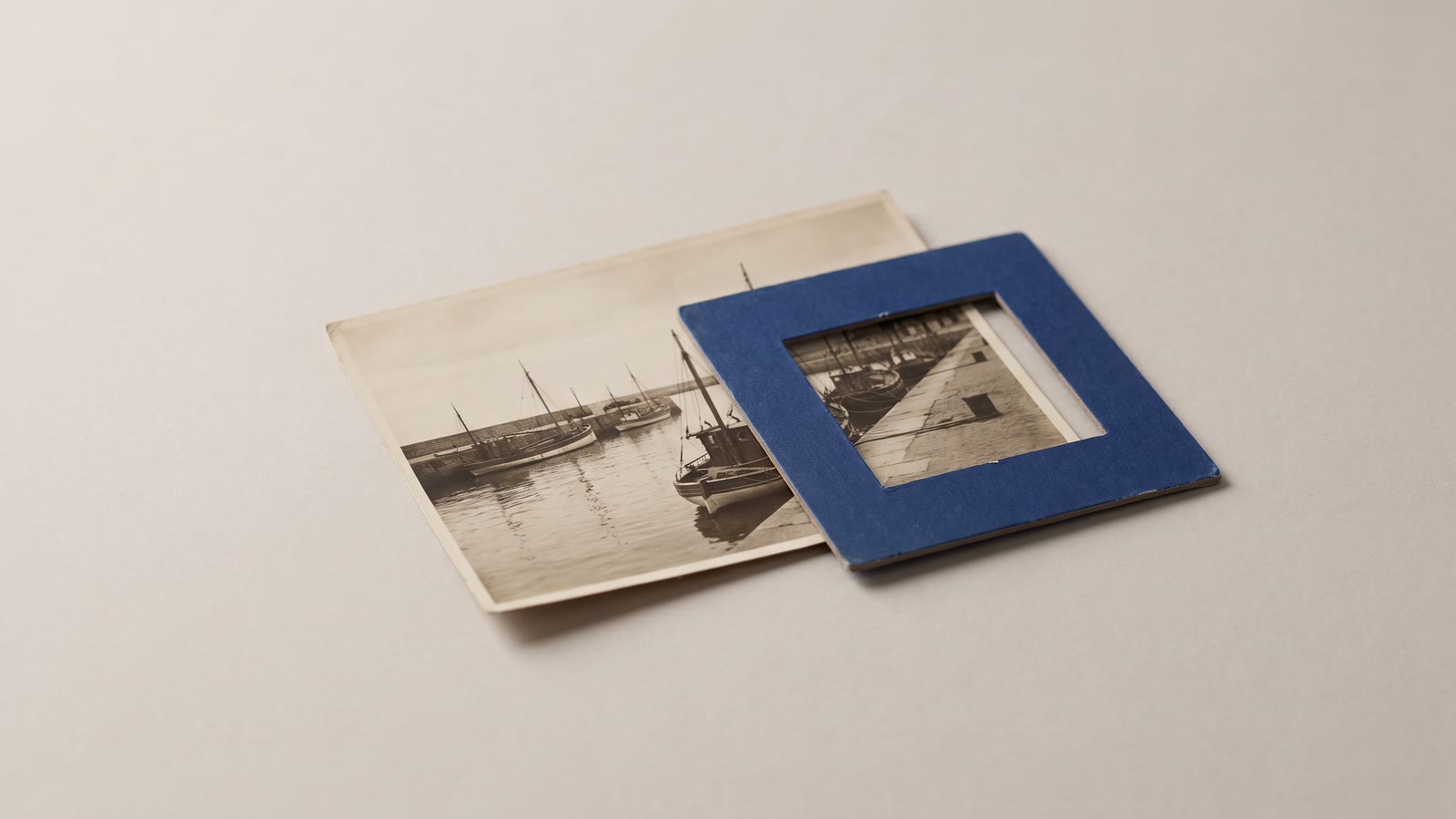
The slow push into a photograph is the oldest trick in documentary and still the best one. It gives a still image time, which is the one thing a still does not have, and it does it without pretending the photograph is anything other than a photograph. It is also, in most of the videos that use it, done badly enough to be the thing people mean by "slideshow".
The move is identical in both cases: a virtual camera glides from one framing of the image to another. The whole difference between the two is in three numbers: how big the move is, where it goes, and how long it takes.
How big
Big moves read as a slideshow. A zoom from the whole photograph to a quarter of it, in four seconds, is the default of every template, and it is wrong because it draws attention to the camera rather than the picture. Real documentary moves are tiny. A push of ten to twenty percent over five or six seconds is barely perceptible as motion; what the viewer feels is that the picture is alive.
In the motion editor the move is two framing windows, Start and End, and the size of the move is how different they are. Make the End window only slightly smaller than the Start, or only slightly displaced, and scrub it. If you can see the picture moving when you look straight at it, the move is too big. If you can only see it moving when you look at the edge of the frame, it is right.
There is one exception, and it is the move with a destination: a push into a face, a signature, a detail that the narration is about to mention. That move can be larger, because it is going somewhere the viewer wants to go. Even then, the destination should fill the frame, not pass through it; a move that lands on nothing in particular is a slideshow move however slow it is.
Where
A move has a direction, and the direction should mean something.
A push in says "look closer". It is the move for a reveal, for a detail, for the moment the narration turns from general to particular. A pull out says "here is the context": start on the face, end on the room. A lateral pan follows a line in the picture, a road, a row of people, a horizon, and should start and end on something rather than drift.
What a move should not do is cross the subject. A pan that starts with the person at the left edge and ends with them at the right edge has moved the camera past them for no reason. Keep the subject inside both windows, usually near the same spot in each, and let the move happen around them.
For a sequence of stills, alternate. Push, then pull, then a pan, then a push. Two pushes in a row read as a pattern, three as a template. The alternation does not have to be strict, but a run of the same move is the second most common slideshow tell after the size.
How long
A still can hold longer than you expect, provided it is moving. Four seconds is the floor for a move to register; six to eight is comfortable; a strong image under a long sentence of narration can hold ten. The slideshow tell here is the opposite of what people assume: not stills held too long, but stills cut too fast, so that every move is interrupted before it means anything.
The duration of the move is the duration of the clip, so set the clip length first, to the narration or the music, and then frame the windows. A move that was designed for six seconds and then trimmed to three is twice as fast and reads as a zoom.
The image itself
Not every photograph wants a move. A tight portrait with the face filling the frame has nowhere to go; a push makes the face enormous and a pull reveals nothing. The best images for the effect have room: a wide shot with a subject, a landscape with a detail in it, a group with a face worth finding. If a portrait must carry a long passage, a very small push, five percent over eight seconds, is enough; or hold it still and let the narration move instead.
Resolution matters more here than anywhere else in editing, because the End window is a crop and the export will scale it up. A 1080p export from a 12-megapixel photograph can push in to a third of the frame and stay sharp. A phone screenshot or a small web image cannot, and the move will land on mush. Upscale small sources before framing the move, and prefer the original file to anything that passed through a messaging app.
Generated stills have an advantage that real photographs lack: you can make them with the move in mind. Ask for the subject off centre with space on one side, or wide with a detail in it, and generate at the highest resolution the model offers. A still composed for a move is one that will not need a second attempt at framing.
Dressing the move
The Ken Burns move is one of the few places a dissolve is nearly always right, because the whole sequence is about time passing. A one-second cross-dissolve between moving stills makes the sequence feel continuous; a hard cut between them makes each still a separate event. The dissolve needs handle frames at each end, so frame the windows slightly past the point you need; the move will be running during the overlap.
Underneath, the photo film wants a music bed more than a voice. If there is narration, the stills follow it; if there is not, the moves can be cut to the music, with each new image landing on a bar.
And if the Ken Burns editor's two windows are not enough, because the move should pause, or change direction, or the image should also fade, the keyframe editor does the same thing with as many keys as you like, on position, scale and opacity together. The two-window editor is the right tool nineteen times in twenty; the twentieth time is a move with a story in it.
The checklist
A quick way to judge any photo sequence before exporting: play it with the sound off and watch only the edges of the frame. If the edges are the only place you can see movement, the moves are the right size. If the moves alternate, if each lands on something, if every still holds at least four seconds and the cuts between them dissolve, it is not a slideshow. It is the oldest trick in documentary, done properly.
The order that works
- Set the clip length first, to the narration or the music, so the move has its duration.
- Keep the move small: ten to twenty percent over five or six seconds, visible only at the edges.
- Give it a destination, and keep the subject inside both windows.
- Alternate push, pull and pan across a sequence.
- Start from a sharp, roomy image, upscaled if small, generated with space in it if generated.
- Dissolve between stills, and cut to the music where there is no voice.