Frame rates explained: 24, 30, 60, and why AI clips feel odd
Frame rate is the setting people change last and understand least. It decides whether footage feels like cinema or like a phone, it is the reason a slowed clip stutters, and it is why so many generated clips feel slightly off before you can say what is wrong.
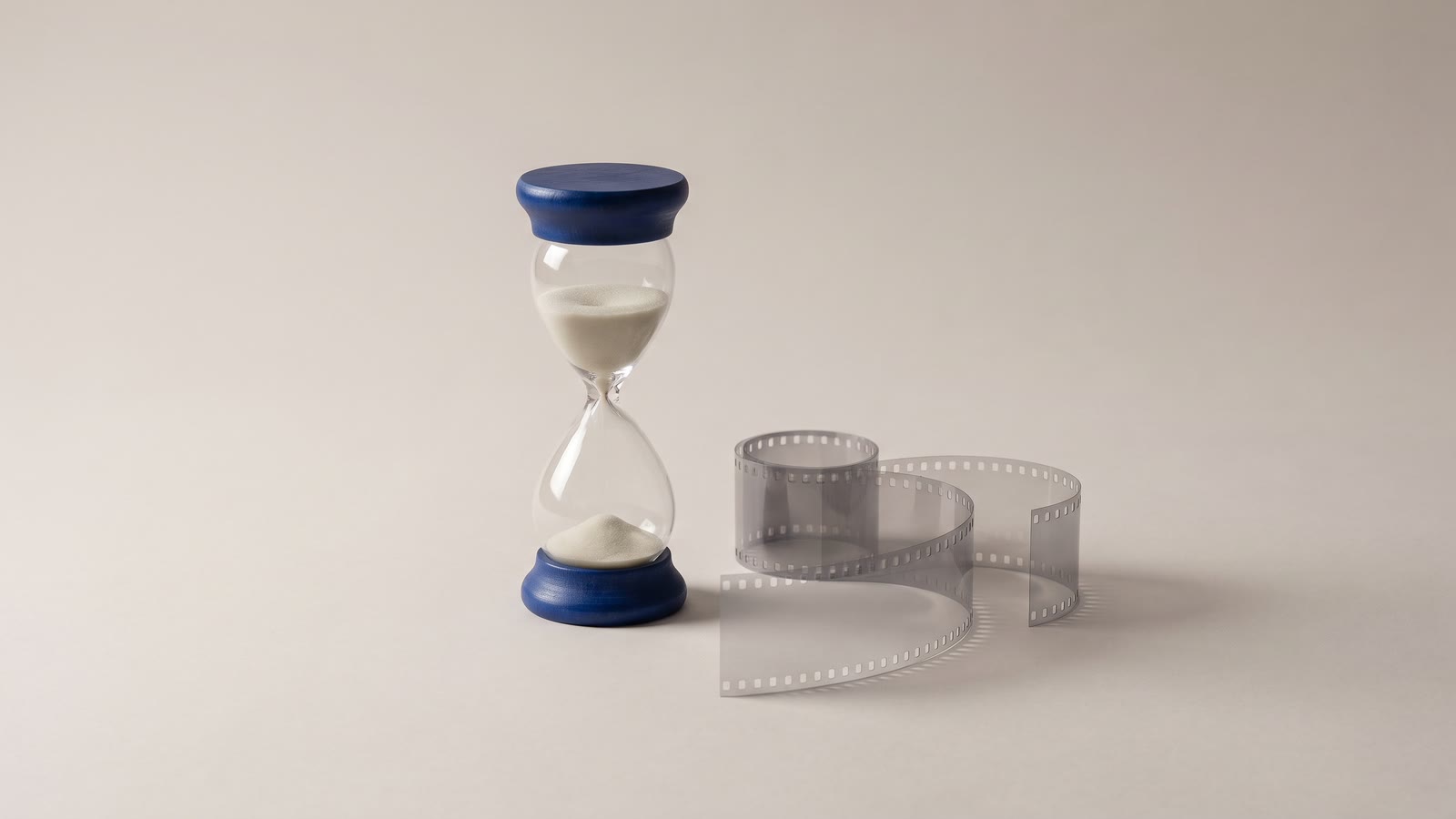
Frame rate is the number of pictures shown per second, and that is the whole definition. What it does to a video is less obvious, because the eye does not count frames; it feels them. The same shot at 24 and at 60 frames a second is not sharper or blurrier, it is a different kind of thing, and the difference is the one people call "cinematic" or "like a soap opera" without knowing which setting made it.
What the number changes
24 fps is film. It is slightly too few frames to show motion smoothly, and that shortfall is the look: each frame carries a little blur, fast movement strobes a touch, and a century of cinema has trained everyone to read that as story rather than record. Drama, music video, anything that wants to feel made rather than captured.
30 fps is television and the web. Smoother than film, with less of the dreamlike quality. Tutorials, talking heads, product video, most things on YouTube. It is the default for a reason: it looks like nothing in particular, which is right for content where the content is the point.
60 fps is the record. Motion is completely smooth, every frame is sharp, and the footage looks like being there rather than like watching something. Sport, gameplay, screen recordings where a cursor has to be followed, and anything you intend to slow down later, because slow motion needs frames to spend.
The common mistake is choosing high because high sounds better. A short film at 60 fps looks like a behind-the-scenes video of itself. The right rate is the one whose feeling matches the video's job.
Where the frames come from
Every clip arrives with a rate of its own. A phone shoots 30 or 60. A camera set up for film shoots 24 (strictly 23.976, a leftover from analogue television that still haunts every edit). A screen recorder captures whatever the screen was doing. And generated clips are their own case: many models render at 16 or 24 frames a second to keep generation fast, and some produce a rate that no camera uses at all.
That last fact explains the odd feeling. A 16 fps clip has visibly fewer pictures per second than the eye expects; motion has a faint flicker to it, and quick movement jumps from position to position. It reads as "slightly animated", which is why some AI footage feels like a cartoon even when every frame is photographic. It is also why generated motion that was fine in a quick preview looks worse on a big screen, where each jump covers more distance.
What happens when rates meet
A timeline has one rate, and every clip on it is conformed to that rate at export. In Hiroska you choose it in the export dialog: 24, 30 or 60. A clip whose native rate matches plays as shot. A clip whose rate differs is resampled: frames are dropped or repeated so that the right number come out per second.
Dropping is nearly invisible. A 60 fps clip exported at 30 loses every second frame and still looks smooth, because 30 is enough. Repeating is the problem. A 24 fps clip exported at 30 has to show some frames twice to fill the gaps, and the repeats are not evenly spaced, so motion acquires a slight, regular hitch. A 16 fps generated clip exported at 30 repeats nearly half its frames, and the hitch is pronounced.
The fix is to add frames rather than repeat them. Frame interpolation tracks how the picture moves between two frames and renders new frames along that path, one, two or four per gap. A 16 fps generated clip with one interpolated frame per gap becomes a 32 fps clip that plays at 30 without a repeat in it, and the slightly-animated feeling goes away. For generated footage it is the single most useful post-processing step there is, and the cheapest.
Slow motion is frame rate in disguise
Slow a clip to half speed and you are asking it to fill twice as much time with the same frames. A 60 fps source at half speed is a 30 fps result, which is fine. A 24 fps source at half speed is 12 pictures a second, which is a slideshow, and at quarter speed it is six.
So the rule for slow motion is set before you shoot or generate, not in the edit: capture at 60 if you will slow it, and if the footage already exists at a lower rate, interpolate first and then slow it. The slow motion guide goes through the order, and the Timing tab's speed control does the stretch. The point here is only that stutter in slowed footage is not a speed problem; it is a frame-rate problem wearing a speed problem's clothes.
The same arithmetic runs the other way for speed-ups. Doubling the speed of a 30 fps clip is choosing which half of its frames to keep, which is harmless; the result is smooth because 30 is still enough.
Choosing the export rate
Three questions, in order.
What is most of the footage? Export at the rate most clips were shot or generated at, so that most of the video is untouched. Conforming a minority of clips is cheaper than conforming the majority.
What is the video for? Film-like content, 24. General web content, 30. Sport, gameplay, screen recordings and anything slowed down, 60. If the footage and the purpose disagree, the purpose wins and the footage is conformed.
Where does it go? Platforms accept all three and re-encode anyway. A 60 fps upload is kept at 60 where the viewer's connection allows it and served lower where it does not; it is never a reason to avoid 60 when 60 is right.
What not to do is export at 60 "to be safe" from 24 or 30 fps footage. Every frame is repeated, the file is twice the size, and the video does not look smoother, because the information was never there. Repeating a frame does not make motion; interpolation does.
Mixed timelines, honestly
A timeline that mixes a 24 fps generated clip, a 30 fps phone clip and a 60 fps screen recording will export fine at 30, and most viewers will notice nothing. What they will notice, faintly, is the generated clip, because it is the one being padded rather than thinned. If the generated footage is the heart of the video, interpolate it; if it is a few seconds of texture, let it be.
A full picture of the pipeline is: shoot or generate at a rate, interpolate any clip whose rate is too low for its job, slow only the clips with frames to spare, and export at the rate that fits the purpose. Frame rate stops being a mystery setting at that point and becomes what it is: a decision about how the motion should feel, made once, and carried through.
The order that works
- Pick the feeling: 24 for film-like, 30 for general content, 60 for sport, screen and slow motion.
- Know what each clip is: phone, camera, screen or generated, and at what rate.
- Interpolate the low-rate clips, especially generated ones, before anything else.
- Slow down only footage with frames to spend, or interpolate first.
- Export at the rate the purpose wants, and never at a higher one for safety.