Why AI video looks fake, and what actually fixes it
A lot of AI video gives itself away within a second, and most people who notice cannot say why. We measured our own generated footage against professionally shot film, and on all three counts we measured it came out cleaner and smoother. That turns out to be half the answer. The other half is something no measurement could see.
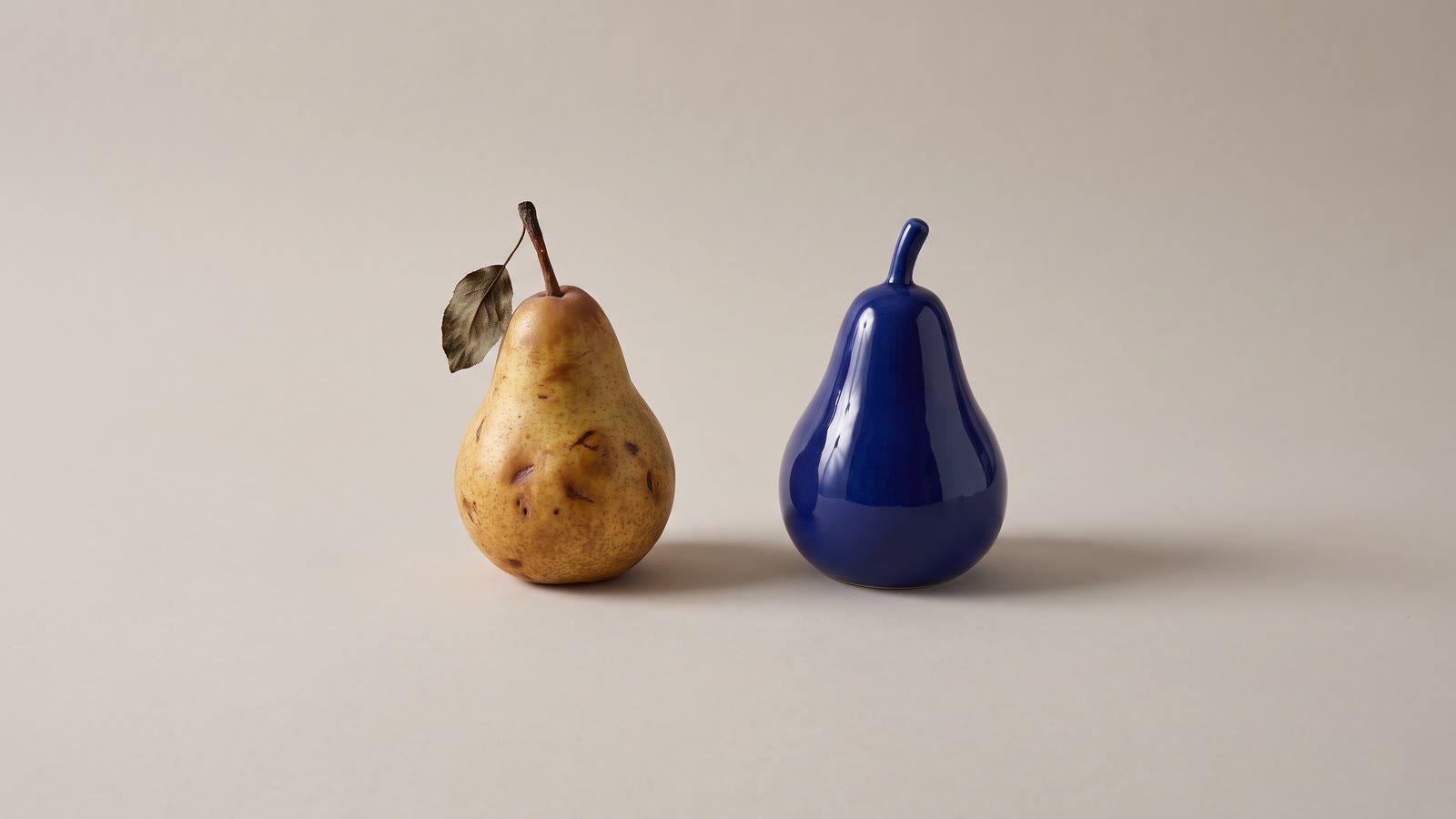
A lot of AI video gives itself away within a second, and most people who notice cannot say why. It looks too something: too smooth, too clean, too perfect, too strange. We wanted a better answer than "too something", so we measured it.
What we measured
In September we scored 37 shots of our own generated footage, drawn from the work behind two of our ads, against 11 shots cut from Tears of Steel, a live-action short film the Blender Foundation produced with a professional crew and released under Creative Commons. We used VBench, a widely used research benchmark for generated video, on three counts: how much the picture flickers from frame to frame, how smooth the motion is, and how sharp and clean each frame looks. Each is scored from 0 to 1, and higher is better.
| Median score | Our AI footage | Professional film |
|---|---|---|
| Stability (no flicker) | 0.991 | 0.985 |
| Motion smoothness | 0.995 | 0.993 |
| Image quality | 0.707 | 0.694 |
The generated footage won on all three. The margins are small, but they all point the same way, and the film's lowest scores came from its most exciting shots: sparks flying off machinery, a fast camera move, a glitching hologram. Real cinematography is full of motion blur, grain, fast action and the hands of a camera operator, and to a metric that looks at pixels, every one of those is a flaw.
One film and eleven shots is a small sample, and Tears of Steel is a visual-effects showcase (that hologram is computer-generated), so read this as a direction rather than a verdict. A second result points the same way. For one ad we had made a hand with six fingers on purpose, and in one clip the hand curls and, a couple of seconds in, quietly becomes a hand with five. We scored the stretch where the finger vanishes and the stretch before it. The scores were practically identical. As far as pixels are concerned, a finger disappearing smoothly is good motion, well rendered.
So the problem splits in two. Generated video is not short of quality; it is short of the small imperfections a real camera records. And the mistakes that give it away are wrong facts rather than poor pictures: a count, a word, a face, a reflection. No sharpness score sees them, and neither does a glance at three frames.
The too-clean tells
- Skin like a product photograph: even, poreless and lit from everywhere at once.
- Light with no source. Everything glows, every edge has a rim light, and it is golden hour indoors.
- Colour and contrast turned up, because that is the model's idea of a finished image.
- Sets and wardrobe that are too coordinated. Nothing is out of place, because nobody lives there.
- A camera that glides. Real cameras are carried, pushed along tracks or locked on tripods; the AI camera floats. What each camera move says deals with that one.
The wrong-fact tells
- Things that change count or shape: fingers, teeth, the legs of a chair, the number of people at a table.
- A face at four seconds that is not quite the face at zero, or a person who is not quite the same person in the next shot.
- Writing that is almost writing, on signs, labels and screens.
- Physics that is nearly right: liquid that pours like syrup, cloth that will not hang, feet that do not quite land.
- A background that reinvents itself as the camera moves.
- Sound that is wrong or missing. No room tone, footsteps on carpet that sound like stone, or worse, words: video models that generate audio will sometimes invent a line of dialogue nobody wrote, with the lips moving to match.
Fixing the too-clean look
The aim is to put back the evidence that a real camera was in a real place.
Ask for the captured look, not the produced one. "Cinematic", "golden hour" and "perfect lighting" pull toward exactly the polish that reads as fake. Describe how a real camera would have recorded the scene: "handheld, shot on a phone", "overcast daylight", "a cluttered student flat", "16mm film, fine grain". When we chose shots for an ad, the clip that read as most real was a slightly shaky handheld selfie with an ordinary background, and by the numbers it was the least stable shot in our whole set. The one we turned down was a tidy tripod shot of a distant figure in a pretty garden: cleaner by the numbers, with nothing in it to believe.
Give the light a source. "Lit by one window on the left", "a single desk lamp", "overhead office strip lights". Real light comes from somewhere, falls off with distance and leaves part of the frame in shadow.
Take the gloss off. Generated footage arrives looking finished: punchy colour, deep contrast, detail in every shadow. A step less saturation and contrast in Effects → Color takes the shine off, and one shared LUT over the whole cut makes several models look like one camera. LUTs explained has the order.
Choose the take with life in it. When you pick between variants, the cleanest is not always the best. A little shake, a stray reflection or a background that is not quite tidy often reads as more real than perfection.
Fixing the wrong facts
Start from a still. Generate the image first and judge it as an image, which is cheap, quick and what your eye is best at. Count the fingers, read the signs, check the face. Then animate the approved still, so composition and anatomy are settled before you spend anything on motion. Text-to-video or image-to-video makes the full case.
Keep shots short. Errors compound as a clip runs. Two clean seconds and a cut beat five seconds with a problem at the end, and real edits cut far more often than people expect. Why AI clips are only a few seconds long explains how to build something longer anyway.
Check where the eye goes, frame by frame. Decide where a viewer will look in the shot (the face, the hands, the product) and step through that part slowly, at full size. A flaw in a corner nobody looks at usually goes unseen; a flaw at the point of attention ruins the shot. If the problem sits near the edge of the frame, push in until it leaves rather than generating the shot again.
Throw away the model's sound. Mute a generated clip's own audio unless you have listened to every word of it, and build the sound yourself: room tone, a few effects matched to the action, then music. Silence is fake too. Why your AI video sounds dead has the three layers.
Put words on as titles. Never rely on a model to write a sign. Ask for a blank surface in the prompt and add the words as a title layer.
Watch it twice. Full-screen, one shot at a time, for the flaws inside each shot. Then the whole cut on a phone, for the flaws that only exist in sequence, like the person in shot three who is visibly not the person in shot one.
What does not fix it
- Upscaling. It adds sharpness, which pushes the picture further toward the too-clean look. Save it for footage that is genuinely soft; what upscaling can and cannot recover draws the line.
- "Photorealistic, 8K, ultra-detailed." These words push further toward the polish that gives the game away.
- More frames per second. Smoothness is part of the problem. At 60 fps generated footage looks more like a video game, not less. Frame rates explained has the reason.
- A better model, on its own. The strongest models make fewer wrong facts, which is worth paying for. But the too-clean look is a model doing its job well, and no model will take it out for you.
The short version
Real footage is full of small accidents: a smear of blur, a lamp too bright, clutter on a shelf. AI footage is full of small impossibilities. Put the first kind back and take the second kind out, and the footage stops getting in the way of what you made it for.
One last thing. If a generated shot now passes for real footage, say so when you publish: YouTube, TikTok and Instagram all ask for an AI label on realistic generated video. Looking real is the craft. Passing it off as real is something else.