How to make a seamless video loop
A loop has one job: the viewer must not find the join. Most loops fail it in the first second, at the cut back to the start. There are four ways to hide that cut, and the best one does not hide it at all, because there is nothing there to hide.
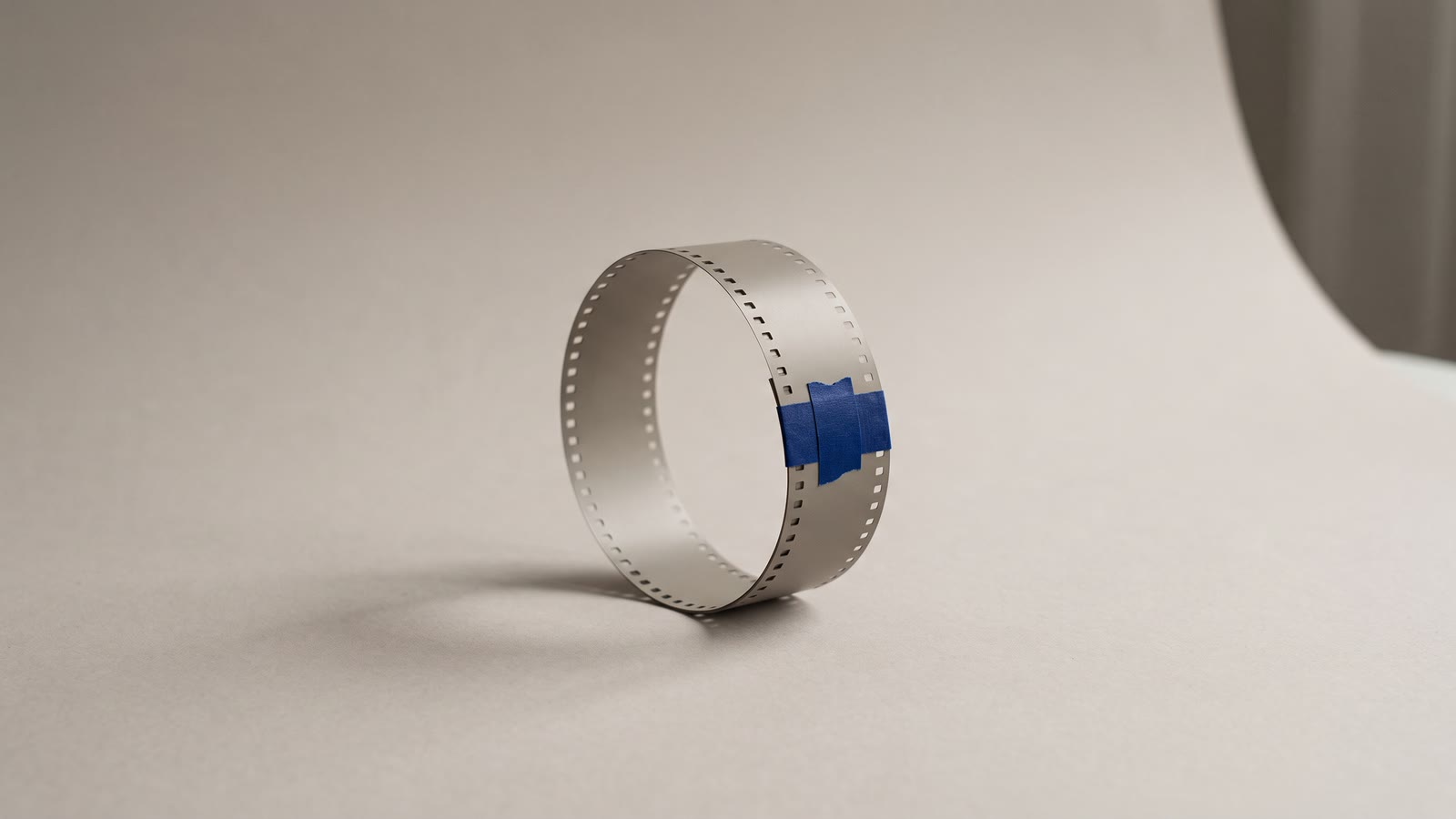
A loop is a clip whose last frame leads back into its first so that it can play forever. Website backgrounds, ambient screens, the first three seconds of a reel that the platform replays, a looping product shot in an ad, a GIF: all of them stand or fall on one thing, which is whether the viewer can find the join. Nearly all of them can be found in the first second, at the cut back to the start, where the picture jumps.
There are four ways to deal with that cut, in rising order of quality and cost, and the first decision is which one your footage deserves.
What makes footage loopable
Before any technique, the footage. Some motion loops and some cannot, and no amount of editing changes which.
Motion that loops has no memory. Water lapping, smoke drifting, leaves moving, rain, a flame, a rotating object, a slow orbit, light flickering, a crowd milling. The state at any moment could follow from any other moment, which is what makes a join possible.
Motion that cannot loop has a direction or a story. A person walking across frame, a cup being lifted, a car passing, anything that starts and ends. Join its end to its start and the viewer sees the cup teleport back to the table. Some directional motion can be loop-shaped by framing it so that the direction is continuous and the frame has no landmarks: a conveyor, a road at night, clouds crossing a plain sky. Most cannot.
Choose or generate footage with the loop in mind, and the techniques below do far less work. Prompting for "gentle continuous motion, no beginning or end" produces better loop material than prompting for an event.
1. The boomerang
The cheapest loop: the clip, then the same clip reversed, back to back. The end of the forward pass is the start of the reversed one, so there is no jump at that join, and the end of the reversed pass is the first frame again, so there is none at the loop point either. Place the clip, duplicate it, toggle Reverse on the copy.
The cost is that everything runs backwards half the time. For symmetric motion, a pendulum, a slow push and pull, a flame, light pulsing, it is invisible. For anything with a direction, water falling, smoke rising, it is an obvious trick, and the boomerang has become an aesthetic of its own that signals "made on a phone". Use it for the symmetric cases and nothing else.
2. The dissolve across the seam
The classic editor's loop. Split the clip near its middle and swap the halves, so that the original end and the original start are now adjacent in the middle of the timeline, and the new ends of the clip are two frames that were once one frame apart. Then dissolve across the join in the middle. The loop point, at the clip's new ends, is now a seamless cut by construction, and the only join is the dissolved one, which the eye reads as the motion simply continuing.
The dissolve needs handle frames, so split a little inside the clip's ends rather than exactly at them. A one-second dissolve hides most seams on texture-like motion; longer dissolves cover rougher ones but blur the picture while they run. It works on anything where the two halves look alike, which is nearly all memoryless motion, and fails on footage where the lighting or the composition drifts over the clip's length, because then the two halves do not match and the dissolve shows a ghost.
3. The move that returns home
For a still image, or a clip that is nearly still, the loop can live in the camera rather than in the footage. A Ken Burns move from framing A to framing B on one copy of the image, then a second copy that moves from B back to A, is a loop with no join at all: the end of the second copy is the start of the first. A slow push in, a slow pull out, forever.
Keep both halves the same length and the same two framings, exactly, and keep the move small, because a loop is watched longer than any clip and a big move becomes a swinging camera on the third pass. This is the technique for a looping background behind a title, where the image is a generated still and the motion is only there so the frame does not look frozen.
4. Generate the loop
The best loop has nothing to hide because its last frame is its first. The video generator's Morph task takes a start frame and an end frame and makes the motion between them; give it the same image as both, and describe the motion in the middle, "the water ripples and settles, the light flickers", and the result returns to where it started. There is no join, no reversal, no dissolve, and the motion has a direction throughout.
Models vary in how faithfully they return to the end frame, so watch the last second against the first at full size before building on it. Where the return is close but not exact, a short dissolve across the loop point, technique two with a much smaller job to do, finishes it. Where it is exact, place the clip and loop it. Still-first generation, with a frame composed to have nothing in it that must move once, is what makes this reliable; the still-first comparison is the long argument for it.
Checking the loop
A loop cannot be judged by playing it once. Place three copies back to back on the timeline and play through all three, watching nothing but the joins. If the eye snags at either, it will snag forever on the page. Most snags are one of three things: a brightness shift between the ends (grade one end toward the other), a frame of motion that does not continue (move the split a few frames), or a difference in frame rate at the seam, where interpolation on the whole clip before splitting evens it out.
Then watch it at delivery size, as a small square on a page or a reel in a feed, because a join that is visible full-screen is often invisible there, and the reverse is sometimes true for a brightness shift.
Exporting a loop
Export a single pass of the loop, not three; the player repeats it. MP4 for web backgrounds and ads, WebM where transparency matters, GIF for a short, silent loop that must play anywhere (capped at 15 fps, so keep the motion gentle). Keep it short: a three to six second loop is cheaper to serve and loops more often, and the viewer's sense of "is this looping?" comes from the join, not the length.
For a reel, the loop point is the end of the video and the start, so put the strongest frame at the start and make sure the last second leads back into it; a reel that loops cleanly gets replayed, and replays count.
The order that works
- Pick memoryless footage or generate it with the loop in mind.
- Boomerang only symmetric motion.
- Split, swap and dissolve for texture-like clips.
- Ken Burns out and back for stills behind titles.
- Morph the same frame to itself for the best loops, and dissolve the last few frames if the return is not exact.
- Test three copies in a row, at delivery size, and export one pass.