Speed ramps, reverse and freeze frames: the three time tricks worth learning
Cuts change what we see. These three change when. A ramp that accelerates into a cut, a shot that runs backwards, a frame that stops while the story goes on: each is a cliché when used by reflex and a tool when used on purpose.
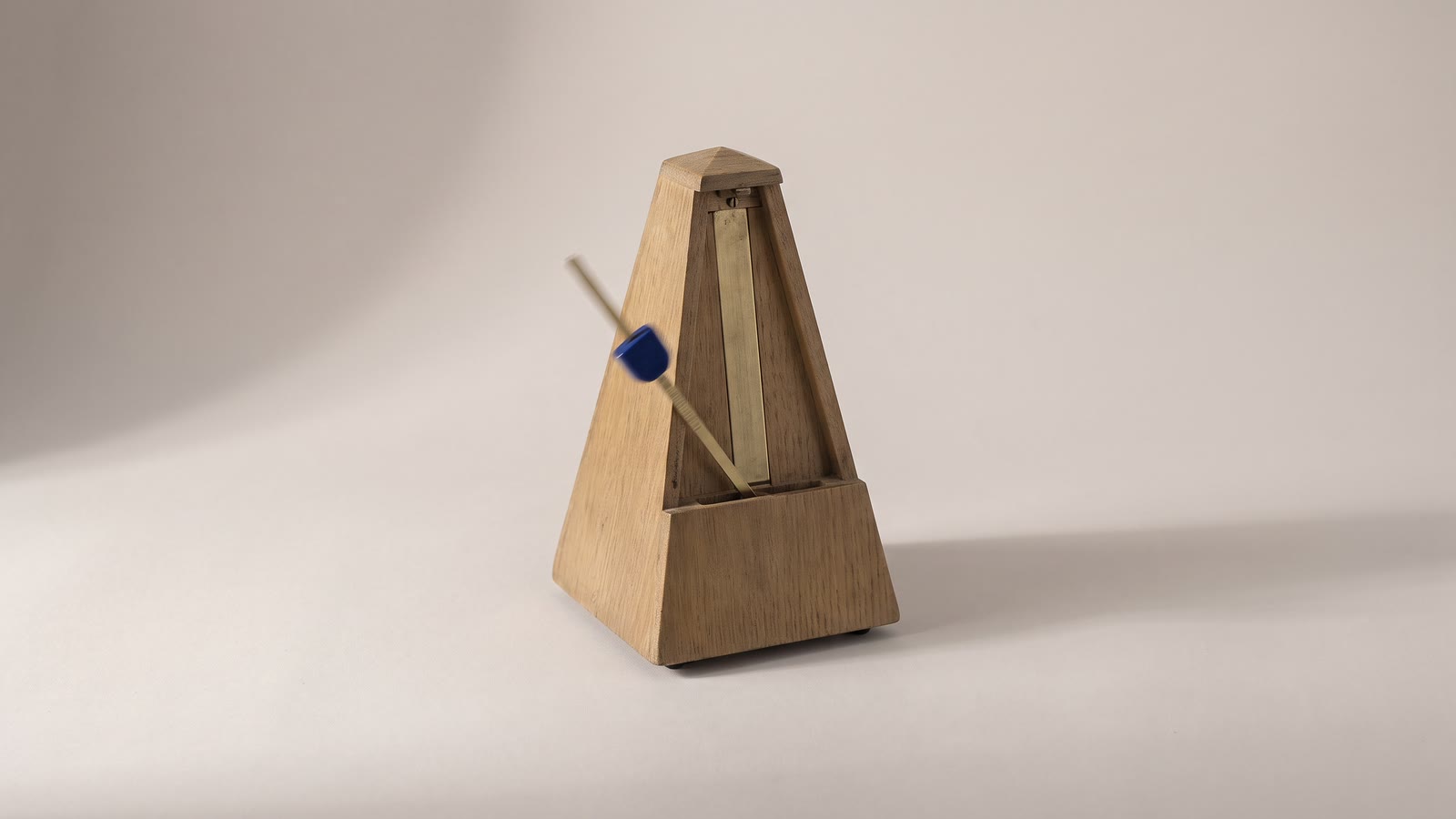
Most editing changes what the viewer sees. A small number of edits change when, and those are the ones that feel like craft when they land: the shot that accelerates into the cut, the glass that un-shatters, the frame that stops dead while the narrator says who this is. All three are available on any timeline, all three are used by reflex far more often than on purpose, and the difference between reflex and purpose is a few decisions each.
The speed ramp
A speed ramp is a change of speed within a shot rather than across it: normal speed, then slow, then normal, or slow accelerating into fast. It is the signature move of sports edits, of travel reels, of anything cut to a beat, and it works because the eye reads a change in speed as emphasis. The moment that goes slow is the moment that matters.
The honest way to build one is in steps. Speed in the Timing tab is set per clip, so a ramp is a clip split into pieces with a different speed on each. Park the playhead just before the moment, Split; park it just after, Split again. Set the middle piece to 25 or 50 percent and the outer pieces to 100, or to 150 if the ramp should feel like it is accelerating away. Two pieces make a hard ramp; four or five, with speeds stepping 100, 60, 30, 60, 100, make a smooth one, and at that point the steps are invisible.
Where the ramp goes is the whole art. It goes on the moment: the foot leaving the ground, the wave breaking, the turn of a head. Not a second before, because a slow approach to nothing is just slow. Watch the shot at full speed first and mark the single frame that is the moment; the slow piece surrounds that frame, with more of it after than before.
Two things decide whether the slow piece looks like slow motion or like a slideshow. The source needs frames to spend, which means 60 fps footage or a pass of frame interpolation first; the frame rate explainer has the arithmetic. And the slow section must be short. Two seconds of slow motion is emphasis; six is a screensaver.
The sound is the part people forget. Speed changes keep pitch on export, so a voice through a moderate ramp stays a voice, but a music bed through a ramp is wrong either way: slowed, it sags; untouched, it ignores the picture. Split the music from the picture, keep the music running at normal speed, and let the picture ramp under it. The beat then does what the ramp is for.
Reverse
Reverse is a cheaper trick than it looks and a better tool than its reputation. Toggle it in the Actions tab and the clip runs backwards, in preview and in export.
Its reflexive use is the gag: the dive out of the pool, the spilled drink refilling. Fine once. Its real uses are quieter. A camera move that was shot the wrong way, a pull-out that should have been a push-in, reverses into the move you needed, and nobody can tell on a shot without obvious physics in it. A shot that ends badly, with the subject leaving frame or the operator lowering the camera, can be reversed so that it ends on its best frame, which was its first. And a loop, where a clip and its reversed copy are placed back to back, plays forever without a cut, which the loop guide builds on.
Reverse applies to a plain clip; a clip that was split and merged plays its pieces forward. Reverse first, then cut.
What gives reverse away is anything with a direction: smoke, water falling, people walking, text. Clouds, rotation, a drone orbit, a slow pan over a landscape give nothing away at all.
The freeze frame
The freeze is the oldest of the three and still the most useful. Park the playhead on the frame and press Freeze on the toolbar, and the clip splits around a still of that frame, which can then be stretched to any length while the story carries on over it.
It has two classic jobs. The first is the introduction: the person turns to camera, the frame freezes, a title says who they are, the frame releases and the shot goes on. The freeze gives the title a place to live without hiding the person behind it, and the moment of stillness reads as a beat, which is why documentaries have done it for fifty years. Pick the frame where the eyes are open and the mouth is closed; the freeze will hold it for three seconds and every flaw with it.
The second is the ending. A freeze on a clip's last frame extends it for as long as the music needs without re-rendering or generating anything, and a freeze with a slow fade to black is an ending that costs nothing and reads as deliberate. A generated clip that is a second too short for its sentence is the same fix.
The frozen still keeps the source's look, so it can be graded with the shot, pushed into with a Ken Burns move, or have a title keyframed onto it. The record-scratch version, where the sound cuts with the freeze, is a sound edit as much as a picture one: split the audio, cut it at the freeze, and let silence or a single hit sit under the still.
Using them on purpose
The test for all three is the same. Remove the effect and watch the shot. If the shot is now worse at doing its job, the effect was earning its place; if it is merely plainer, the effect was decoration. A ramp that emphasises the moment the whole shot was about, a reverse that makes a move go the right way, a freeze that gives a name somewhere to sit: all pass. A ramp on every shot of a reel, a reverse because it is Tuesday, a freeze that lands on a blink: none do.
Used once each in a video, they read as craft. Used throughout, they read as a template, and the viewer stops noticing the moments they were meant to mark.
The order that works
- Find the moment first, at full speed, before deciding on any of them.
- Build the ramp from splits: slow piece around the moment, short, with frames to spend.
- Keep the music at normal speed under a ramp; split it from the picture.
- Reverse before cutting, and only shots without a direction in them.
- Freeze on a good frame, and use it for an introduction or an ending, not for both in one video.
- Remove it and watch: if the shot got plainer rather than worse, take it out.