How to keep the same character across shots
Prompting the same description twice gives you two different people, because a description is not an identity. The fix is structural: make the character once as an image, and let every shot afterwards start from that image rather than from words.
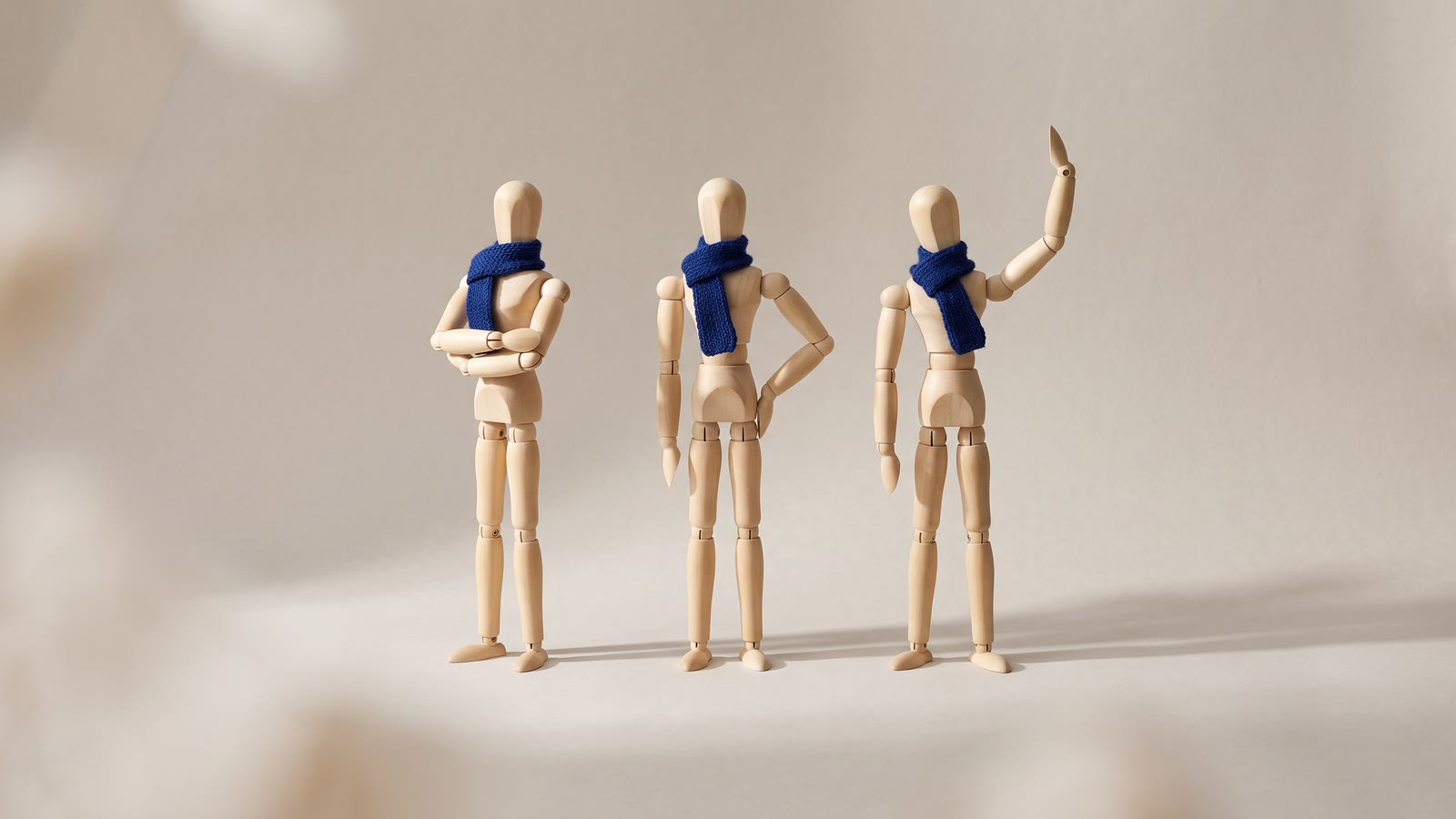
You wrote a careful description — "a woman in her thirties, short dark hair, green jacket" — and generated six shots with it. You got six different women who all match the description. This is not a prompting failure. It is what a prompt is.
A description narrows a space of possible people. It does not point at one. "Short dark hair" has millions of solutions, and each generation picks a fresh one, because nothing carries between runs.
The fix is structural, and it is the same fix every production uses: cast the character once, then shoot from the cast.
Step one: make the person, as a still
Generate images, not video, until you have one you would cast. This is cheap, fast and where all your iteration should happen — a still costs a fraction of a clip and you may go through twenty.
What you are looking for is not just a good face. It is a face in neutral, even lighting, roughly front-on, at a size where the features are unambiguous. That still is about to become the source of truth for every other shot, and a source of truth shot in dramatic side-light bakes that light into everything descended from it.
Keep the frame relatively tight but include the shoulders and whatever the character is wearing. Wardrobe is half of recognition at distance.
Step two: build a small character sheet
One still gets you one angle. A sequence needs the same person in several.
Use reference-based image editing: feed the hero still back in as a reference — you can attach up to fourteen, addressed in the prompt as @Image1, @Image2 — and ask for the same person three-quarter on, in profile, at a wider framing, in the second outfit. Each result that holds the likeness goes into the sheet. Each one that does not gets thrown away, which will be some of them.
Four to six stills is usually enough for a short piece: front, three-quarter, wide, and whatever specific setups the story needs.
Two habits make this dramatically more reliable:
- Keep describing the character anyway. The reference does the heavy lifting; the words stop it drifting. Repeat the same wardrobe and hair wording in every prompt, verbatim. Copy and paste it — do not retype it from memory, because your paraphrase is a different prompt.
- Give the character one anchor detail. A red scarf, a distinctive jacket, glasses of a particular shape. Human recognition leans on it heavily, and models reproduce a strong graphic element far more reliably than they reproduce a nose.
Step three: drive every shot from a still
Now stop writing text-to-video prompts for anything containing your character.
Each shot starts from one of your stills and animates it: the model is told what motion to produce, not what person to invent. Describe the camera and the action — "slow push in, she turns towards the window" — and let the picture supply the identity.
Within a scene, extend rather than re-generate: extending continues an existing clip using its last seconds as context, so the person in second nine is the person from second eight rather than a fresh draw. It is the cheapest continuity there is.
When a shot drifts anyway
It will, on some shots. The recovery order, cheapest first:
- Re-roll it. Run a couple of variants of the same prompt and pick the closest. Variants render in the background while you keep working, so the cost is money, not time.
- Fix the still, not the clip. If a generated frame has the right composition and the wrong face, correct it as an image with your hero still as reference, then animate the corrected still. Fixing pictures is always cheaper than fixing motion.
- Swap the face. Face swap pairs a face photo with any target still and rebuilds the shot wearing that face, matched to the target's lighting and angle. It is image-to-image, so the sequence is: swap on the still, then animate the result. It sits behind Hot Mode's opt-in, and it is only for faces you have the right to use — your own, a colleague's with consent, or a character you generated.
- Transfer the motion. When you need the character doing a specific action, motion transfer drives your character with a reference performance instead of asking a model to invent one.
What actually breaks the illusion
Not usually the face. In order of how often it is the culprit:
Wardrobe details. A logo, a badge, a button placement, the exact shade of a jacket. These change between generations more visibly than features do, and viewers spot them because clothing is how we track people through a scene at a glance.
Distance and profile. Full profile, back views and anything where the head is a small part of the frame are where likeness quietly goes. Design around it: shoot your character in mediums and closes, and use wides for locations rather than for people.
Lighting. A character lit warm in one shot and cool in the next reads as two people before it reads as two lighting setups. This one is fixable in the edit rather than at generation — a grading pass across the sequence does more for continuity than any amount of re-rolling. There is a whole post on that: why your AI shots do not match.
Hands and small props. Still the weak point. Frame them out where you can, and keep the shots that contain them short.
The structural trick nobody uses enough
Cut faster. Continuity errors need time on screen to register. A two-second shot of a character turning towards a window survives imperfections that a six-second hold does not, and the sequence reads as edited rather than as generated.
Cutting on action helps for the same reason: the eye is following the movement across the cut, not auditing the jawline.
The order that works
- Cast in stills, not in clips — iterate cheaply until one is right.
- Shoot the hero still front-on in flat light; it becomes the source of truth.
- Build a four-to-six-still sheet with reference editing, repeating the wardrobe wording verbatim.
- Give the character one strong anchor detail.
- Animate from a still for every shot; extend for continuity inside a scene.
- Fix drift on the picture, not on the clip — re-roll, reference-edit, or swap the face.
- Grade the sequence together, and keep the shots short.